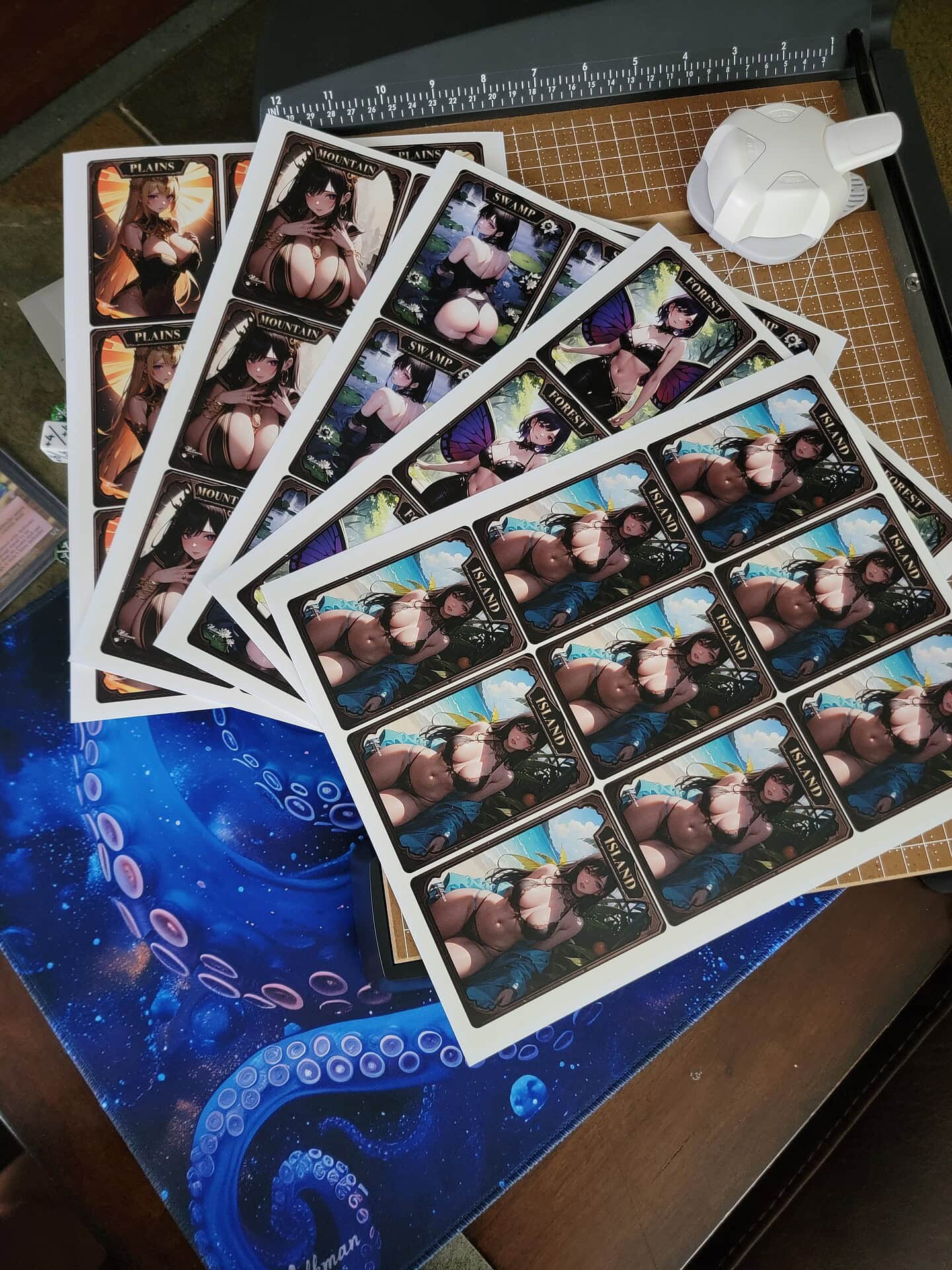
How to Print MTG Proxies Near You at UPS or Staples
If you’re looking to print Magic: The Gathering proxies near you, places like UPS or Staples can offer convenient services. Here’s a step-by-step guide for printing your MTG proxies at these locations:
Rather skip the print shop? Milkman Proxies can print your whole Commander deck for you: paste your Moxfield or Archidekt list and get up to 100 pre-cut cards, ready to sleeve. Order a custom proxy deck.
Step-by-Step Instructions:
New to proxies? Start with our guide on how to make MTG proxies at home.
1. Prepare Your MTG Proxies:
- Design or Download Proxies: Use an MTG proxy generator or MTG proxy maker online to create the card images. Ensure they are in high-quality formats, such as PDF, PNG, or JPEG.
- Arrange the Cards: For easier printing, arrange multiple cards onto a single page (usually 3×3 for standard MTG card sizes). Use software like Google Docs, Microsoft Word, or photo editing tools to organize them.
2. Save Your Files:
- PDF Format: It’s recommended to save your proxy sheets as PDFs, as this ensures better print quality. You can save the individual cards and arrange them in one PDF or keep each card as its own file.
- USB Drive or Cloud Storage: Upload the files to a USB drive or save them to cloud storage services like Google Drive or Dropbox. You can also email the files to the print center directly.
Note: You can also buy premade proxies ready to print right here on Milkman Proxies!
-
 SAVE 50%MTG Tokens Bundle – Fever Dreams – Digital Download Proxy PrintsOriginal price was: $7.99.$3.99Current price is: $3.99.
-
 My MTG Waifu – MTG Mountain Land – Digital Download by Milkman Proxies$4.99
-
 SAVE 50%Adorable Kawaii MTG Anime Token Bundle – Digital Download Proxy PrintsOriginal price was: $7.99.$3.99Current price is: $3.99.
3. Find a UPS or Staples Store Near You:
- Search Online: Use “UPS store near me” or “Staples near me” in a search engine to find the nearest locations. Most stores offer printing services as part of their business solutions.
- Call Ahead: If you’re unsure about the services offered, you can call ahead and ask if they support printing on card stock.
4. Visit the UPS or Staples Store:
- At the Print Desk: Head to the print desk and let the staff know that you need to print custom-sized cards or documents. Specify the following:
- Card Stock: Choose a high-quality card stock (around 100-110 lb) for durable proxies.
- Color Printing: Ensure the cards are printed in color for the most authentic look.
- Size: Specify that each card should be standard Magic card size (2.5 x 3.5 inches). Most print shops will ask you to print on a full letter-size sheet (8.5 x 11 inches) and then cut the cards yourself.
5. Printing Options:
- Standard or Premium Paper: You can choose different types of paper, from standard card stock to glossy finishes for a premium feel.
- Cutting Options: Some stores offer cutting services. If you want perfectly aligned cards, ask if they can trim the sheets for you.
6. Pay for Your Prints:
- Pricing: Expect to pay around $0.50 to $1.50 per page for color printing on card stock, depending on the store and the quality of paper. Cutting may come at an additional charge if you choose to have the store handle it.
7. Final Touches (Optional):
- Sleeve the Cards: Once you have printed and cut your proxies, place them in card sleeves with real Magic cards as backing for additional sturdiness.
By following these steps, you can easily print high-quality MTG proxies at any UPS or Staples location.
Additional Tips:
- Printing at UPS: UPS stores typically allow you to upload your files online and pick them up in-store. Visit their website and navigate to the print services section to upload your proxy sheets before heading in.
- Printing at Staples: Staples offers similar services, and you can also use their online document upload tool to place an order for pick-up. Choose card stock and color printing options when submitting your print request.